
 for your agent — Claude Code, Cursor, Claude Desktop
Speak. Point at your screen. It's in the chat.
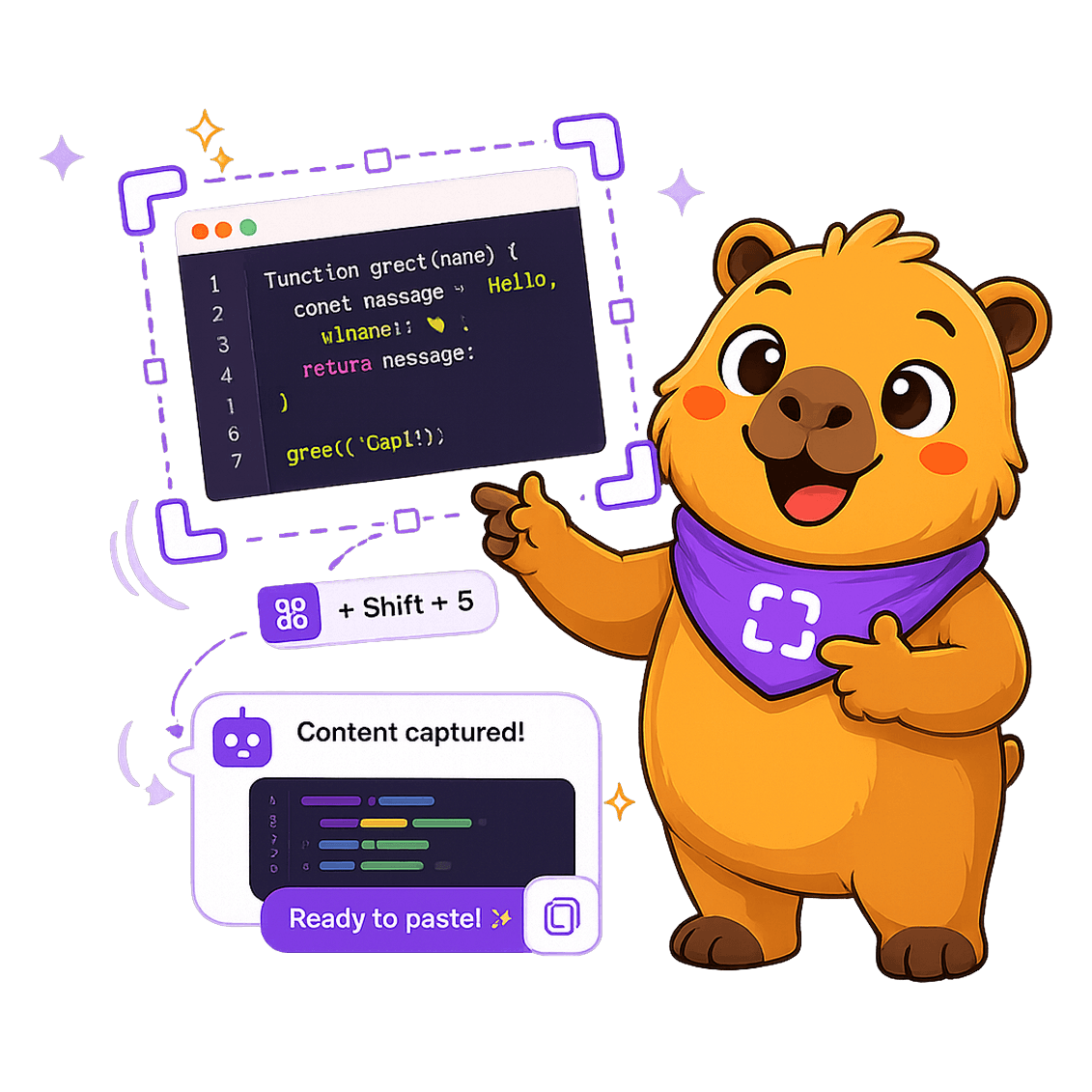
Hit ⌘⇧2, say what you want and select the screen. Capi transcribes and drops image + text into the right tab of your agent — no copy, paste, or window-switching.
 Claude Code
 Claude Desktop
 Cursor
 VS Code
 Windsurf
 ChatGPT
 WhatsApp
Sending context to your agent is a pain.
Screenshot, save, drag, retype what you already knew how to say. Capi cuts all of it.
- Take the screenshot, find where it saved
- Drag the image into the chat
- Retype what you wanted to explain
- Hunt for the right agent tab
- Lose focus and your train of thought along the way
- Hit ⌘⇧2 from wherever you are
- Say what you want while selecting the screen
- Pick the agent tab
- Image + text paste and send themselves
- You never even left the keyboard
Three steps. Done.
You talk, she delivers it to the right place. That's it.
Hit ⌘⇧2
From any app. Select the screen area (or ⌘⇧1 to just talk).
Say what you want
Capi records and transcribes your voice live, letter by letter.
Lands in the right chat
Pick the agent tab and Capi pastes the image + text and sends it.
Built for people who live in their agent
Goes to the right tab
Reads the open Claude Code chats in VS Code and pastes into exactly the conversation you pick.
Voice first
Talk instead of typing. Live transcription, powered by Whisper, appearing letter by letter.
Pinned
Your favorite destinations up top. One Enter and it's gone.
Start a project
Record the brief and Capi opens a fresh agent conversation with your context already pasted in.
Screenshot + context
Image and text together, attached just right — no screenshot getting lost along the way.
Stays on your machine
The capture is yours. No forced upload; you send it only to the chat you choose.
Free
20 free sends to try it out — no card.
- 20 free sends to try it out
- Capture + voice + paste into the chat
- Mac and Windows
- Set up with your agent
Pro
For people who live in their agent.
- Unlimited sends
- Cloud history
- Multi-agent (tabs & projects)
- Whisper transcription
- Priority support
Cancel anytime.

Stop copy-pasting to your agent.
Download Capi and send context with your voice. 20 free sends, Mac and Windows.
Prefer to get notified about updates?